When things get heated, start here.
Six pages of real UnFight screens and what each one does, so you know exactly what you're getting before you download.
Download free UnFightSave the PDF guide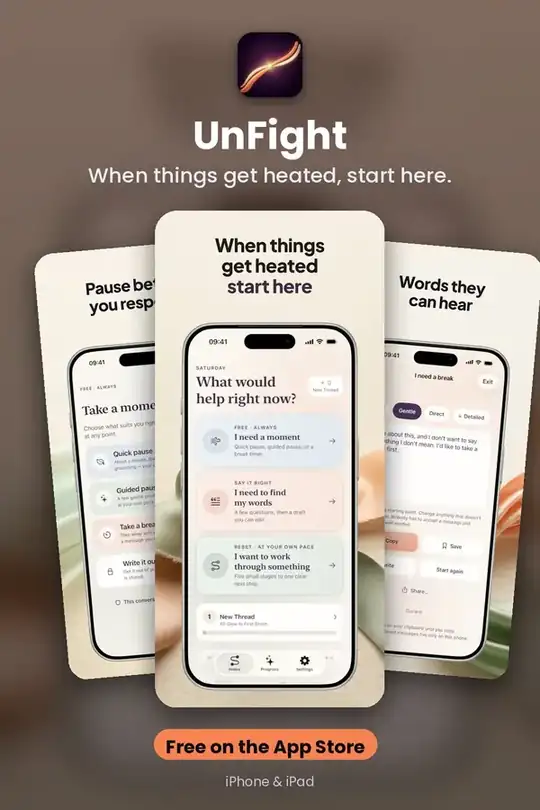
Calm The Moment
A quick pause, a longer guided pause, or simple grounding if breathing exercises aren’t your thing. Sound is off by default; Reduce Motion is supported. Always free, always unlimited.
Get it free on the App Store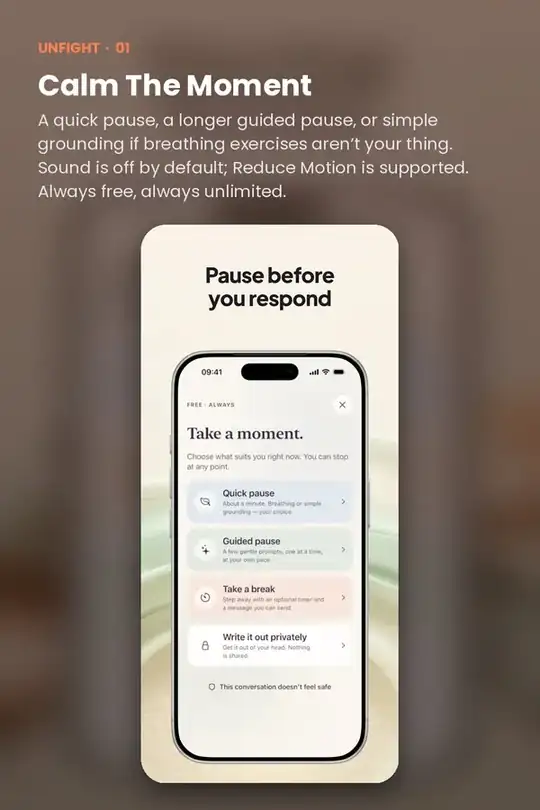
Take A Break
An optional break timer — 5, 20 or 30 minutes, custom, or no timer at all — with an optional private reminder and an editable message you can send if you choose: “I want to continue this when I can give it my full attention.
Get it free on the App Store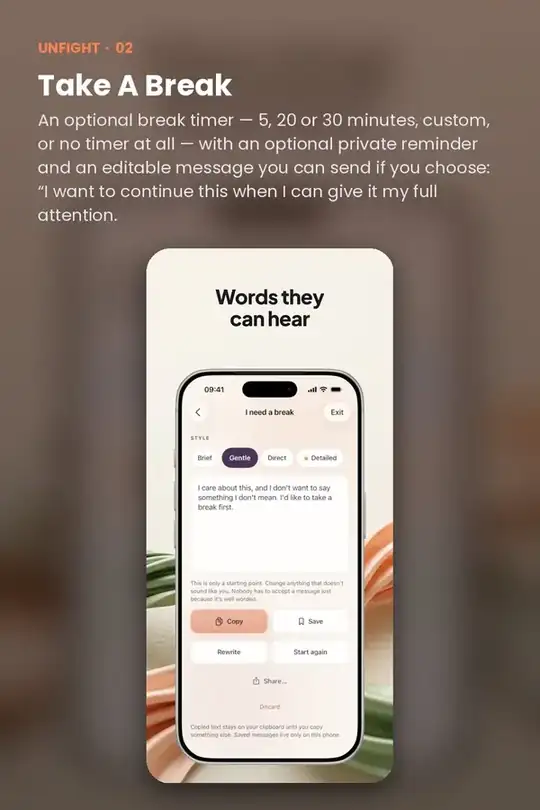
Find Your Words
Say It Right covers nine situations: needing a break, feeling misunderstood, apologizing, asking for help, setting a boundary, revisiting something, not being ready to talk, saying thank you and raising a concern.
Get it free on the App Store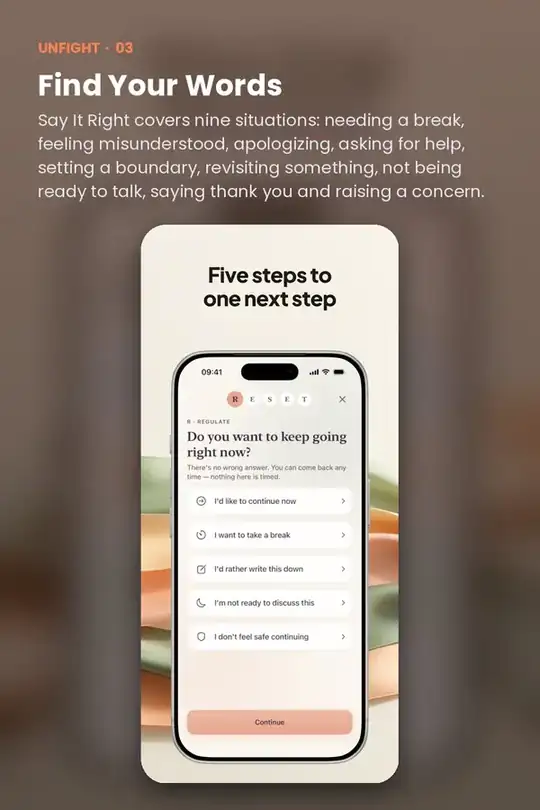
Work Through A Conversation
The RESET Method is five small stages at your own pace, with no countdown: Regulate, Explain, State, Establish, Track. Skip any step, save a draft or stop at any point.
Get it free on the App Store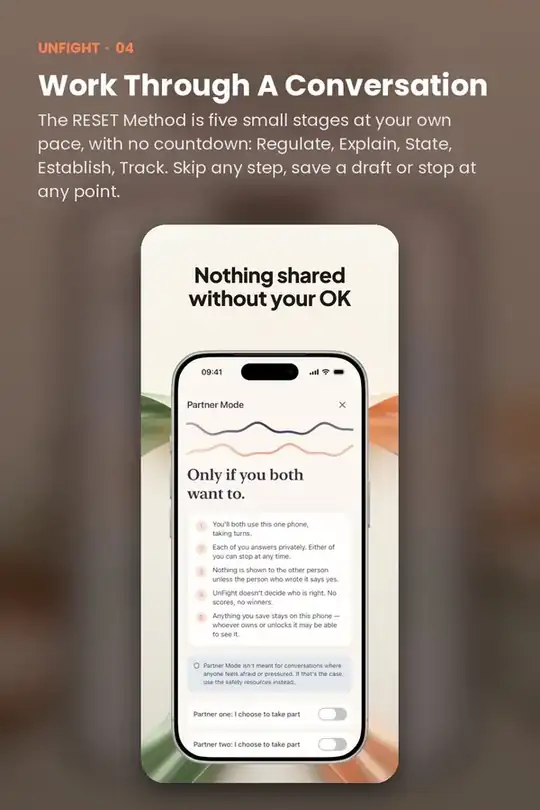
Quick answers
Is UnFight free?
UnFight is free to download on the App Store.
Does UnFight work on iPhone and iPad?
Yes. UnFight is made for iPhone and iPad.
Do I need an account to use UnFight?
No. UnFight works without creating an account.
What does UnFight help with?
When things get heated, start here.