A four-minute evening reset so your day has an ending.
Six pages of real Sleepward screens and what each one does, so you know exactly what you're getting before you download.
Download free SleepwardSave the PDF guide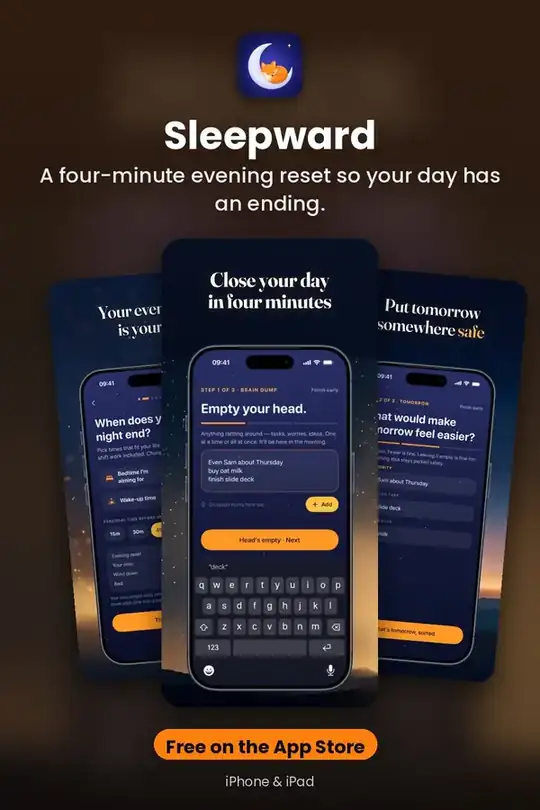
Close The Day
A four-minute evening reset. Three short, optional steps, and you can skip or finish early at any point.
Get it free on the App Store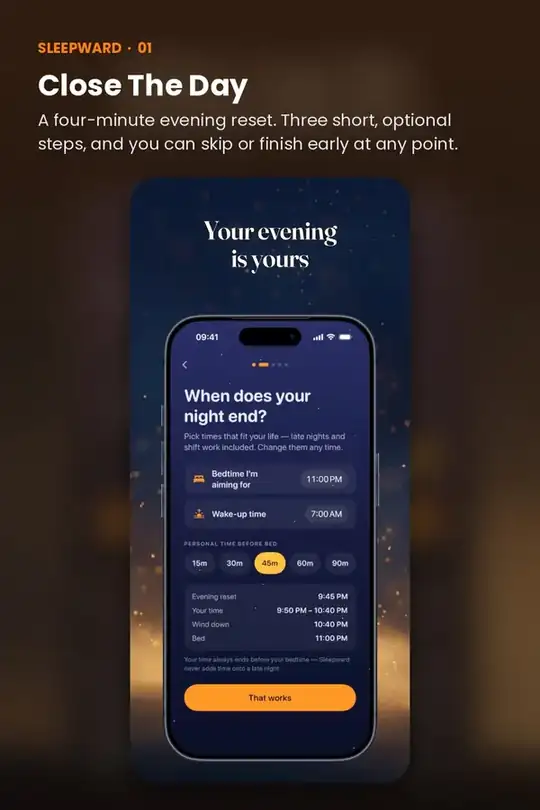
Clear Your Head
Write everything down in a private Brain Dump, as separate entries you can edit later. Then pick up to three things that would make tomorrow easier: one main thing, one small task, one optional extra. Or pick none.
Get it free on the App Store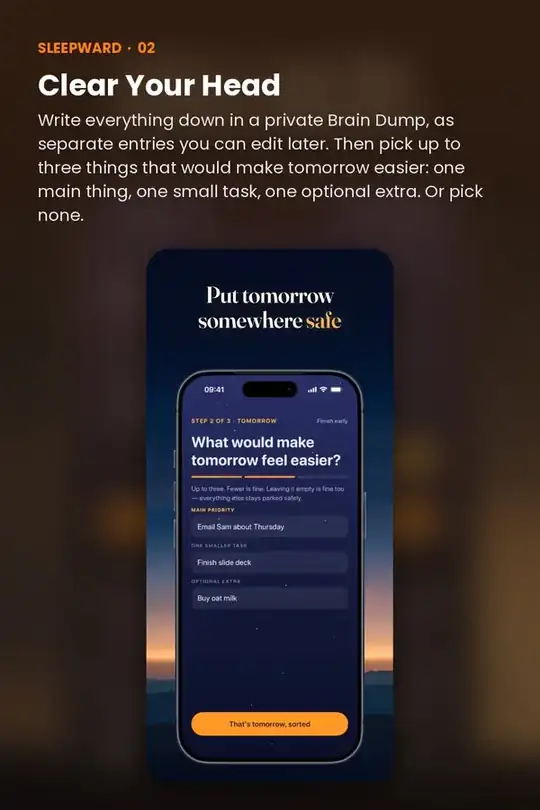
Reclaim Your Evening
Your Hour is a protected stretch of personal time: 15, 30, 45 or 60 minutes, or your own length. It always ends before the bedtime you chose. Show a calm countdown only if you want one, and close the app whenever you like.
Get it free on the App Store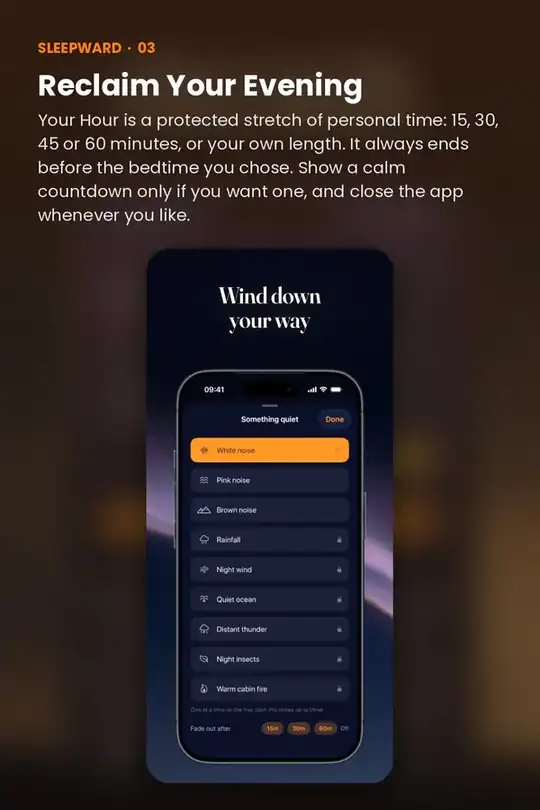
Wind Down
A gradually darkening wind-down screen, a simple routine you can edit (dim lights, read, prepare tomorrow's things) and free soundscapes: white, pink and brown noise with a fade-out sleep timer.
Get it free on the App Store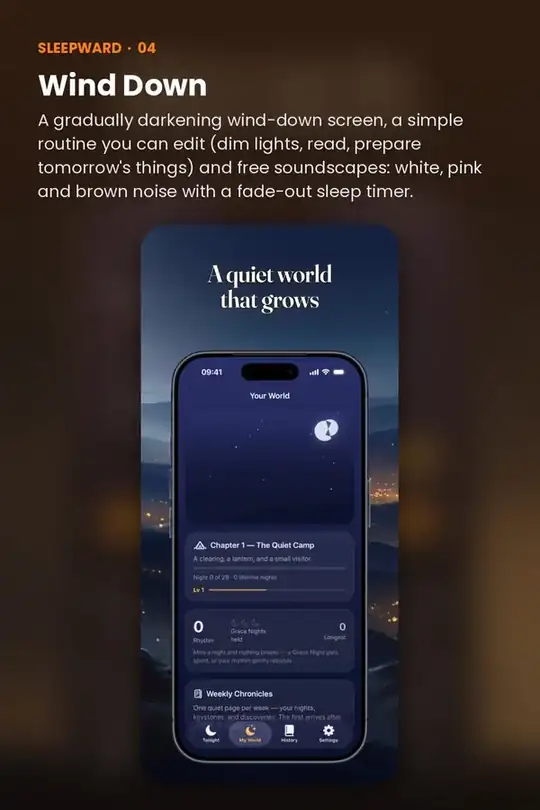
Try Sleepward on your iPhone
A four-minute evening reset so your day has an ending.
Free on the App StoreQuick answers
Is Sleepward free?
Sleepward is free to download on the App Store.
Does Sleepward work on iPhone and iPad?
Yes. Sleepward is made for iPhone and iPad.
Do I need an account to use Sleepward?
No. Sleepward works without creating an account.
What does Sleepward help with?
A four-minute evening reset so your day has an ending.