Spot it, snap it, fix it. Room by room.
Six pages of real RoomMend screens and what each one does, so you know exactly what you're getting before you download.
Download free RoomMendSave the PDF guide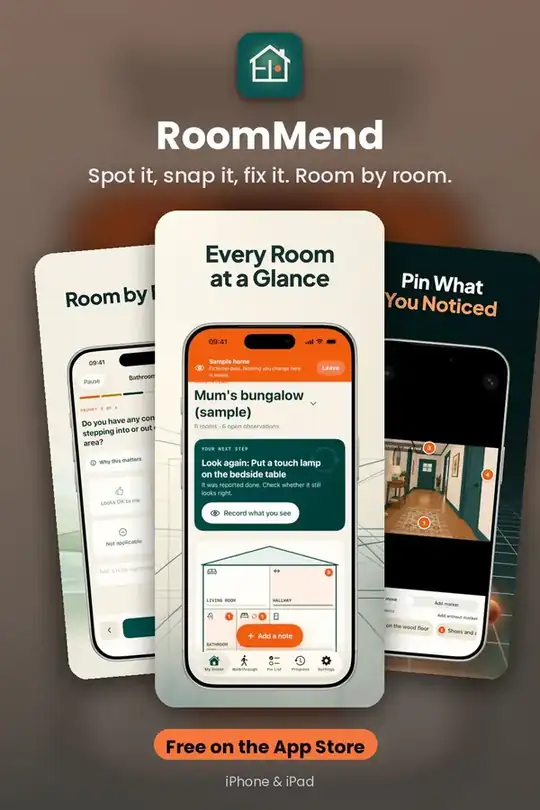
Set Up In One Step
Pick Apartment, One-floor house or Two-floor house and your rooms are ready. Rename, add or remove rooms any time. No address, location or account needed.
Get it free on the App Store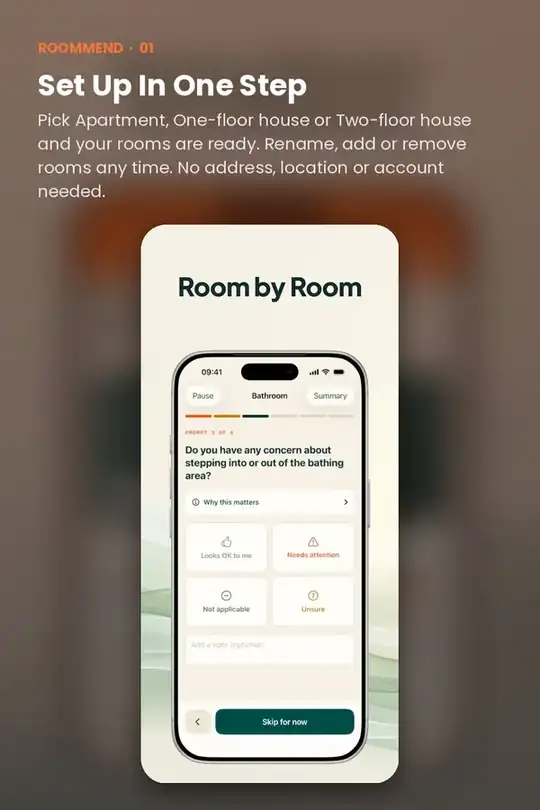
Quick Note: Three Taps
Choose the room, tap a common issue like Loose rug, Too dark, Cord across path, Hard to reach or Alarm to test, and RoomMend suggests the fix. Optionally take a photo and tap to mark the exact spot.
Get it free on the App Store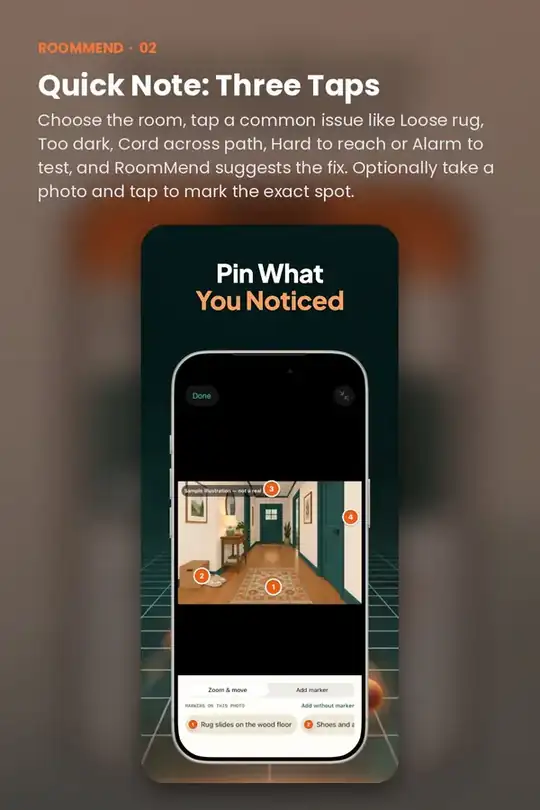
Your Next Step
The home screen always shows one thing to do: a fix that's due, a room to walk through, or something to look at again.
Get it free on the App Store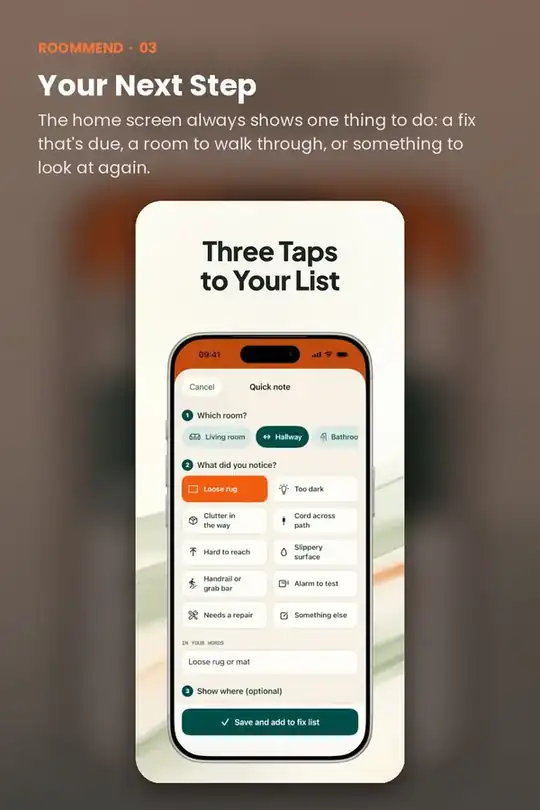
One Tap: Done
Tick a fix when it's done and RoomMend plans a reminder to look again in 30 days, so nothing quietly slips back.
Get it free on the App Store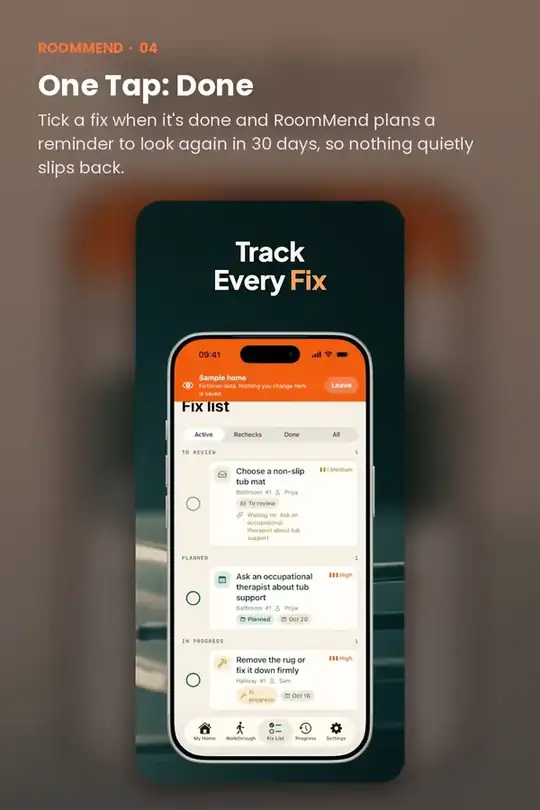
Quick answers
Is RoomMend free?
RoomMend is free to download on the App Store.
Does RoomMend work on iPhone and iPad?
Yes. RoomMend is made for iPhone and iPad.
Do I need an account to use RoomMend?
No. RoomMend works without creating an account.
What does RoomMend help with?
Spot it, snap it, fix it. Room by room.