One task. One small step. A simpler way to start.
Six pages of real Now screens and what each one does, so you know exactly what you're getting before you download.
Download free NowSave the PDF guide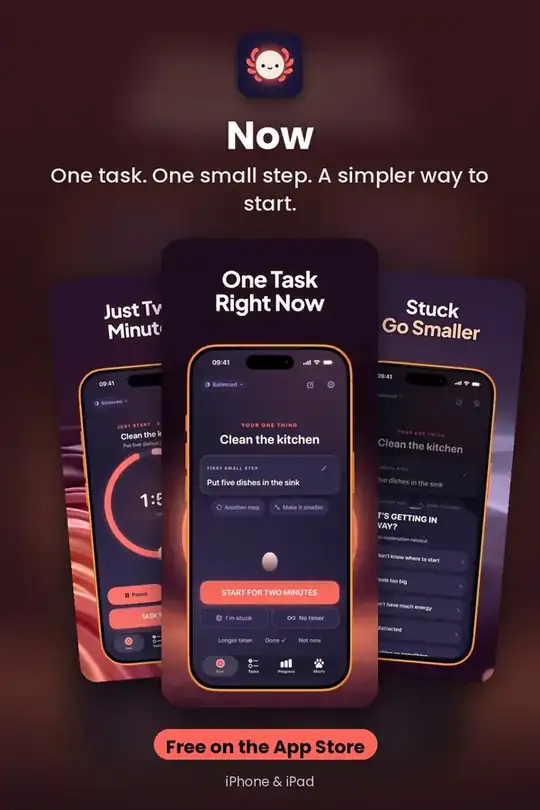
Start One Task
The Now screen shows one task, one concrete first step, and a big start button. No endless list. Type a task like "Clean the kitchen" and Now suggests a first step like "Put five dishes in the sink".
Get it free on the App Store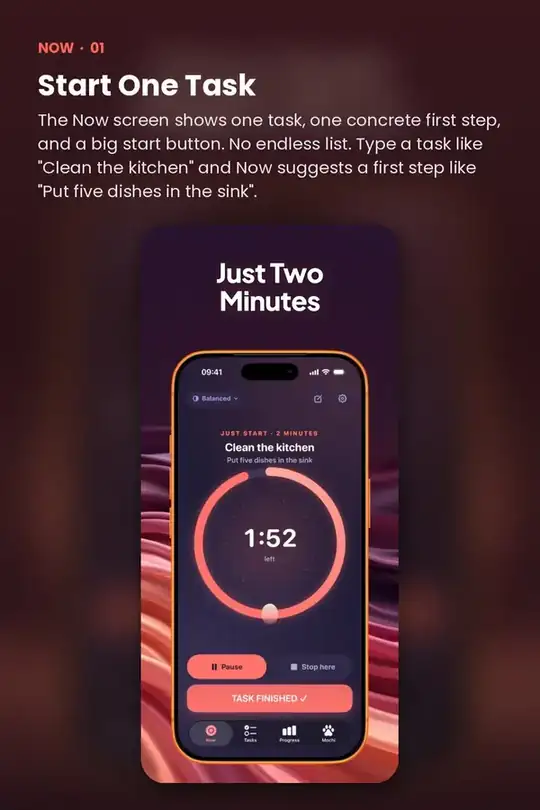
Get Unstuck
Tap "I'm stuck" and pick what's in the way: don't know where to start, too big, low energy, distracted, waiting on something, or need a break.
Get it free on the App Store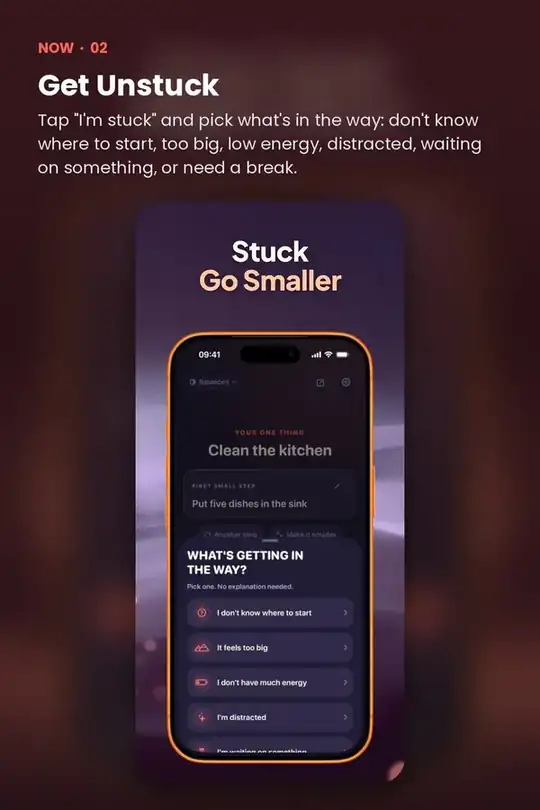
Start With Two Minutes
A calm visual ring counts down two minutes. You can pause, resume, stop early or keep going. Ending early still counts.
Get it free on the App Store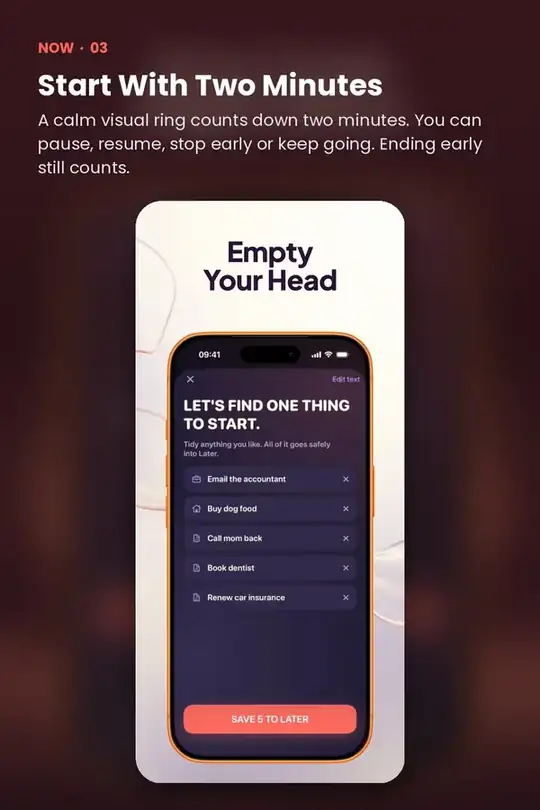
Focus Your Way
After your start, choose 5, 10, 15 or 25 minutes, a custom length, or no timer at all. Breaks are built in.
Get it free on the App Store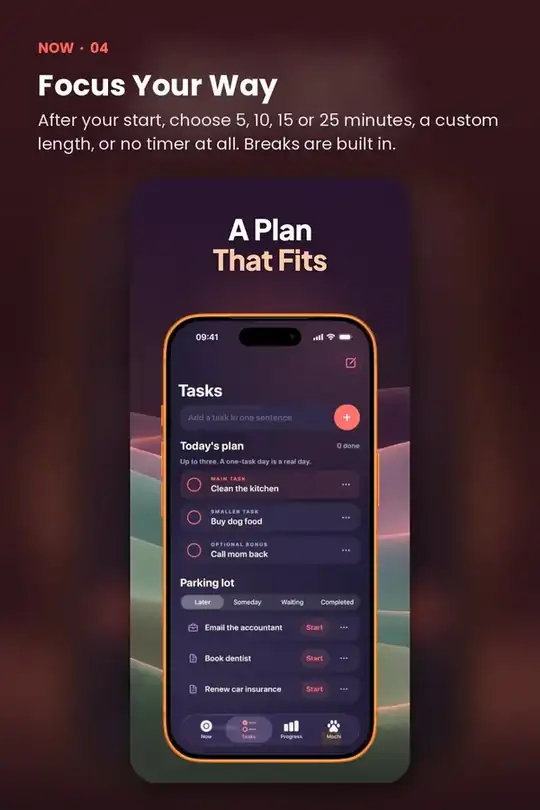
Quick answers
Is Now free?
Now is free to download on the App Store.
Does Now work on iPhone and iPad?
Yes. Now is made for iPhone and iPad.
Do I need an account to use Now?
No. Now works without creating an account.
What does Now help with?
One task. One small step. A simpler way to start.