Know which subscriptions to cancel before the next charge.
Six pages of real MoneyShield screens and what each one does, so you know exactly what you're getting before you download.
Download free MoneyShieldSave the PDF guide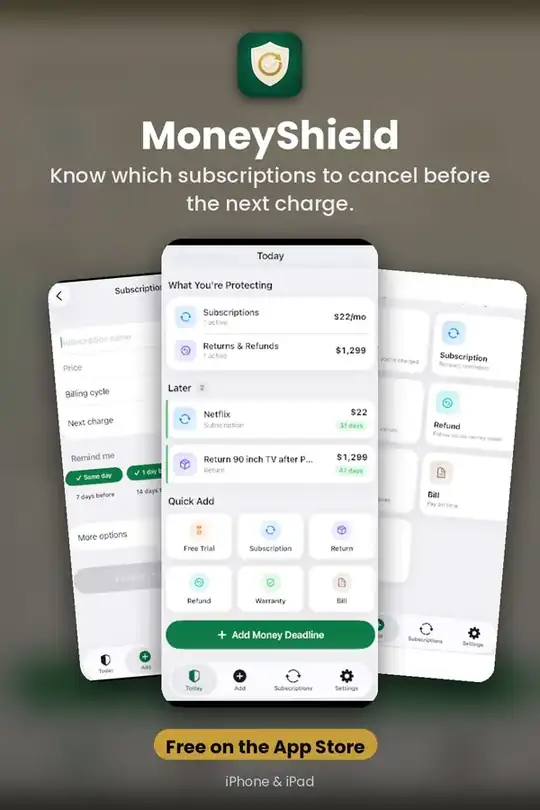
Decide What To Cancel First
Cancel First: a ranked list of subscriptions worth cancelling, with the reason for each (usage, cost, renewal timing, price increases, trials ending) • One tap to Keep, Review Later, or start cancelling • What If…
Get it free on the App Store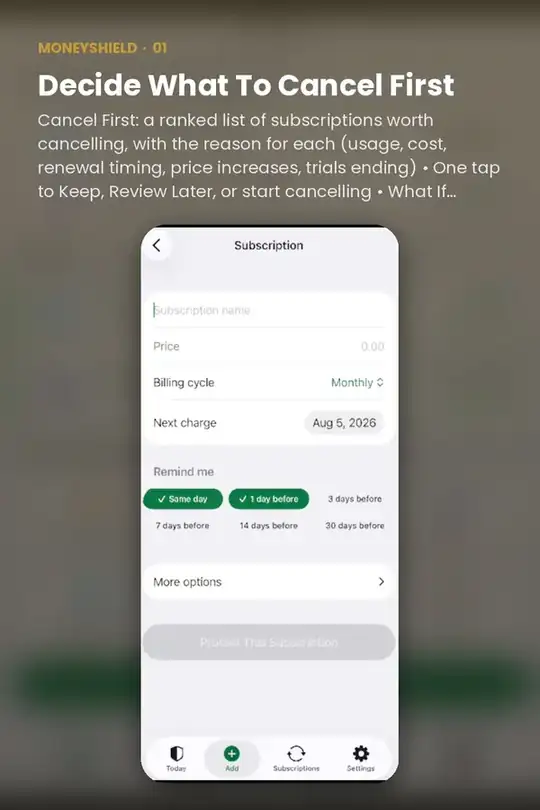
Cancel With Confidence
Cancellation Assistant points you to the official cancellation route, whether you subscribed through Apple or directly with the company • Step-by-step checklist and copy-ready request templates • Keep a private record:…
Get it free on the App Store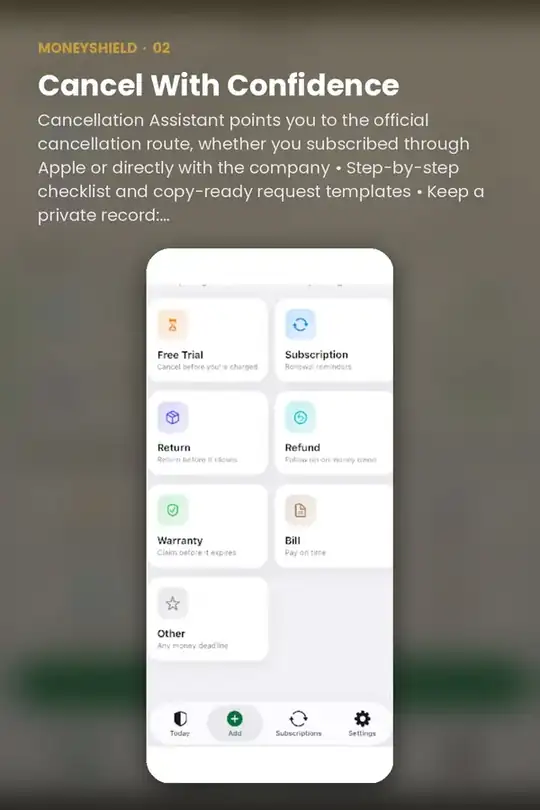
See What's Coming
30-day charge timeline with the next charges listed • Monthly and yearly totals (clearly marked as estimates) • Weekly, every 2 weeks, monthly, quarterly, every 6 months, yearly, and custom billing • Scheduled price…
Get it free on the App Store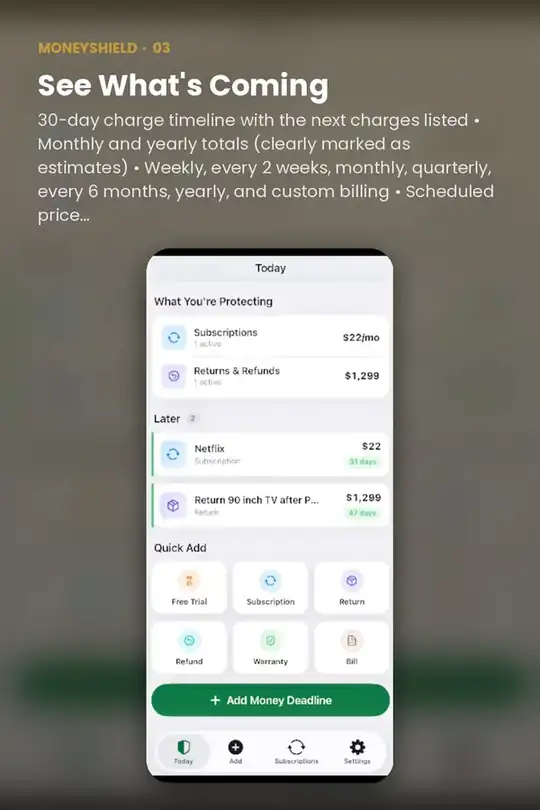
Reminders That Arrive In Time
Renewal, trial, cancel-by, and follow-up reminders · Optional monthly review reminder · Returns, refunds, warranties, and bills too
Get it free on the App Store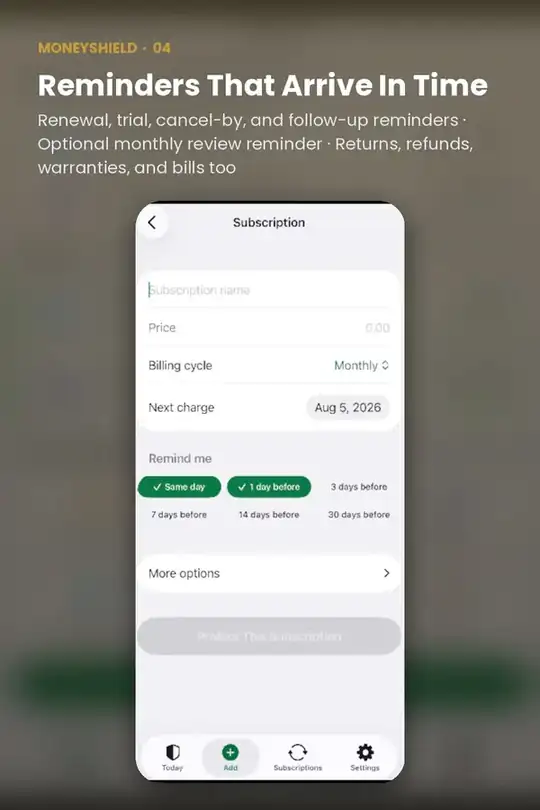
Try MoneyShield on your iPhone
Know which subscriptions to cancel before the next charge.
Free on the App StoreQuick answers
Is MoneyShield free?
MoneyShield is free to download on the App Store.
Does MoneyShield work on iPhone and iPad?
Yes. MoneyShield is made for iPhone and iPad.
Do I need an account to use MoneyShield?
No. MoneyShield works without creating an account.
What does MoneyShield help with?
Know which subscriptions to cancel before the next charge.