Record every shift and catch every pay gap.
Six pages of real EarnCheck screens and what each one does, so you know exactly what you're getting before you download.
Get EarnCheckSave the PDF guide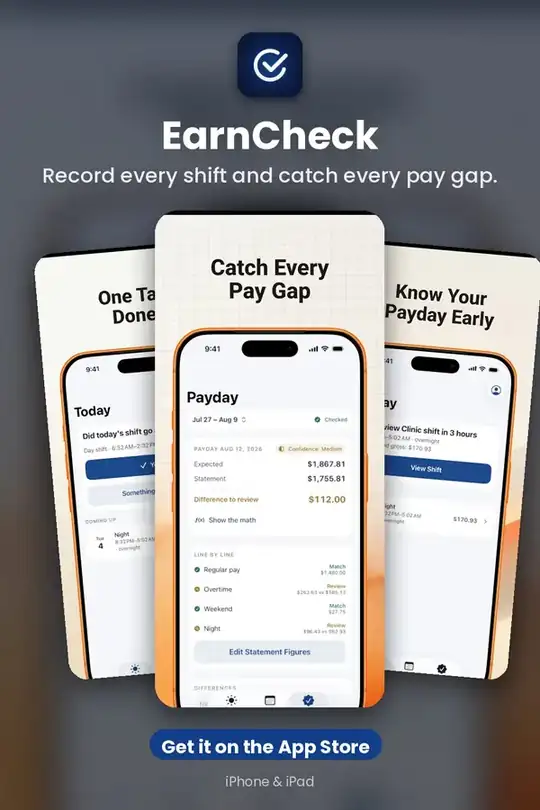
Record Every Shift
Confirm a finished shift in one tap, or adjust the start, end or unpaid break in seconds. Overnight shifts stay one shift, even when they cross midnight. Scheduled shifts are never counted until you confirm them.
Get it on the App Store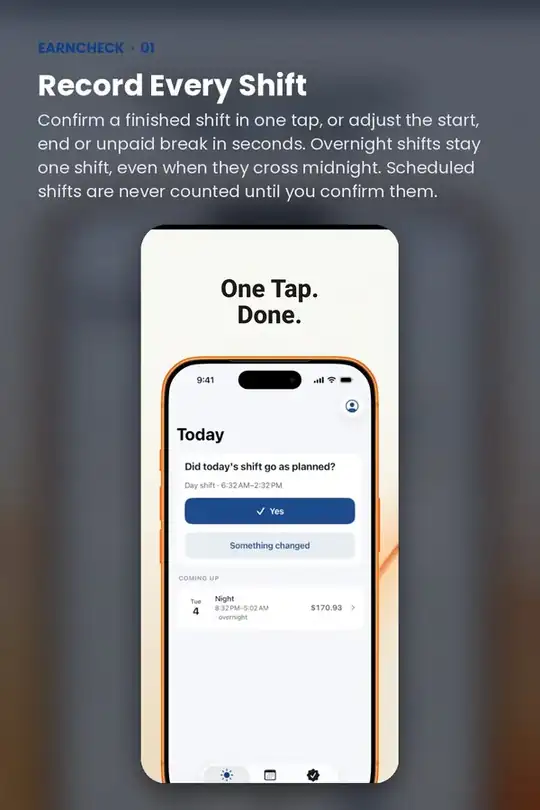
Understand Your Estimated Pay
See your estimated gross pay build through the pay period. Tap Show the Math to see the exact hours, rates, overtime and premiums behind every amount.
Get it on the App Store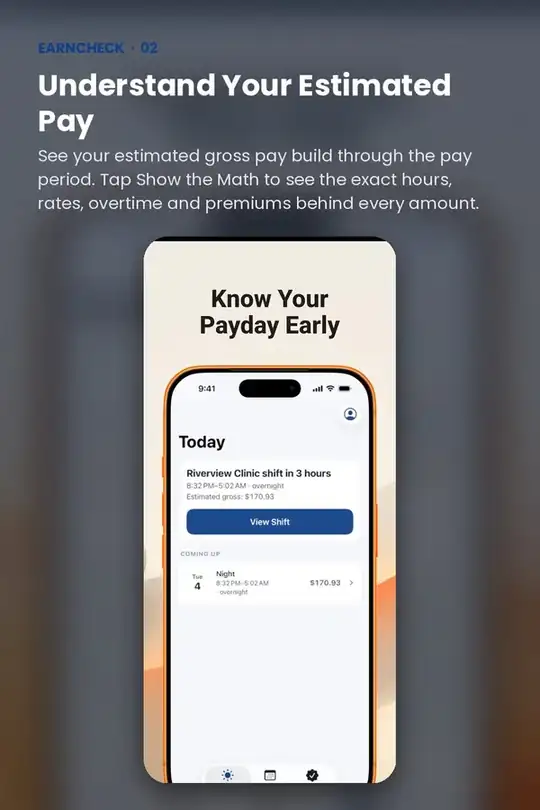
Overtime That Follows Your Rules
Start from Ontario's 44-hour weekly rule, the U.S. federal 40-hour rule or your own agreement. Each preset links to its official source and lists its exceptions.
Get it on the App Store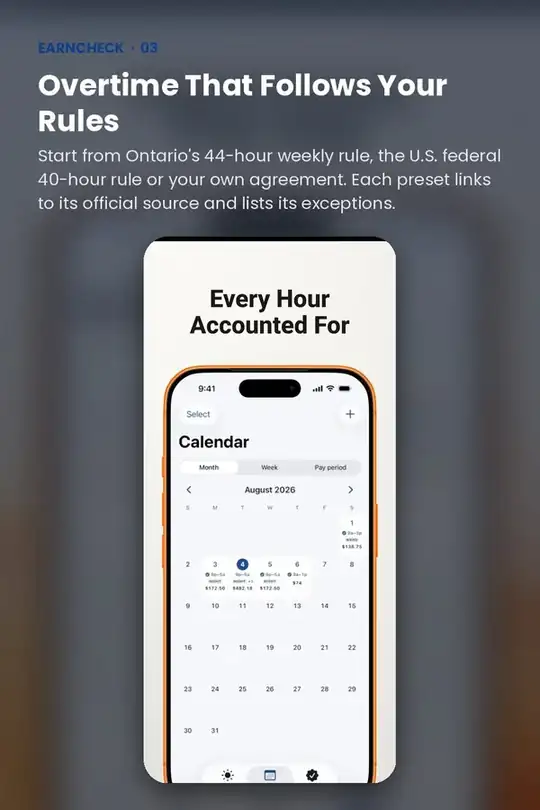
Check Payday, Line By Line
Enter the figures from your pay statement. EarnCheck compares gross with gross: regular with regular, overtime with overtime, premiums with premiums. Each line is marked Match, Difference to Review or Incomplete Information.
Get it on the App Store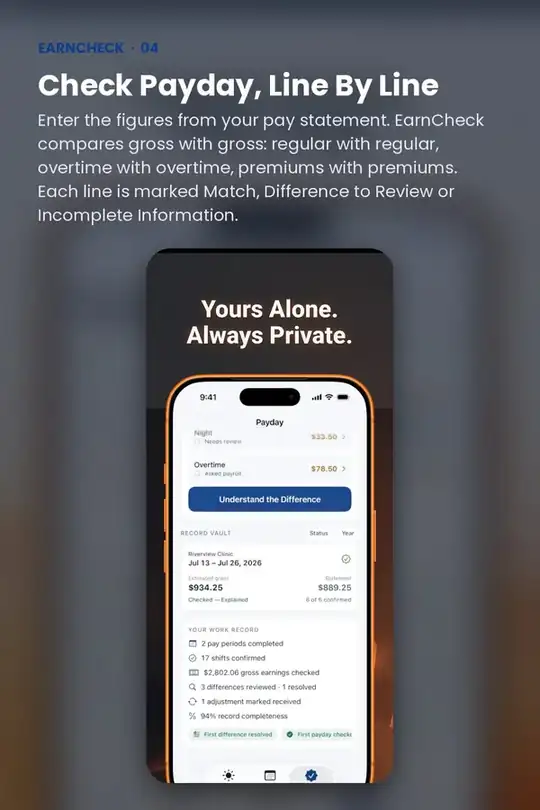
Quick answers
Is EarnCheck free?
EarnCheck is a paid download on the App Store ($2.99).
Does EarnCheck work on iPhone and iPad?
Yes. EarnCheck is made for iPhone and iPad.
Do I need an account to use EarnCheck?
No. EarnCheck works without creating an account.
What does EarnCheck help with?
Record every shift and catch every pay gap.