Turn client messages into calendar bookings and replies.
Six pages of real BookingSolved screens and what each one does, so you know exactly what you're getting before you download.
Download free BookingSolvedSave the PDF guide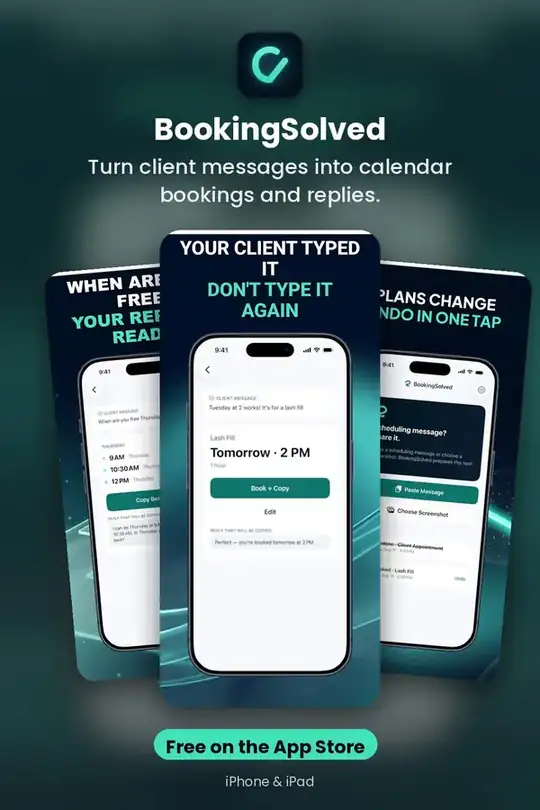
How It Works
Add a request: paste text, choose a screenshot, or use the Share Sheet. Only what you choose is read. · Review the details: service, date, time, and duration are found on your iPhone.
Get it free on the App Store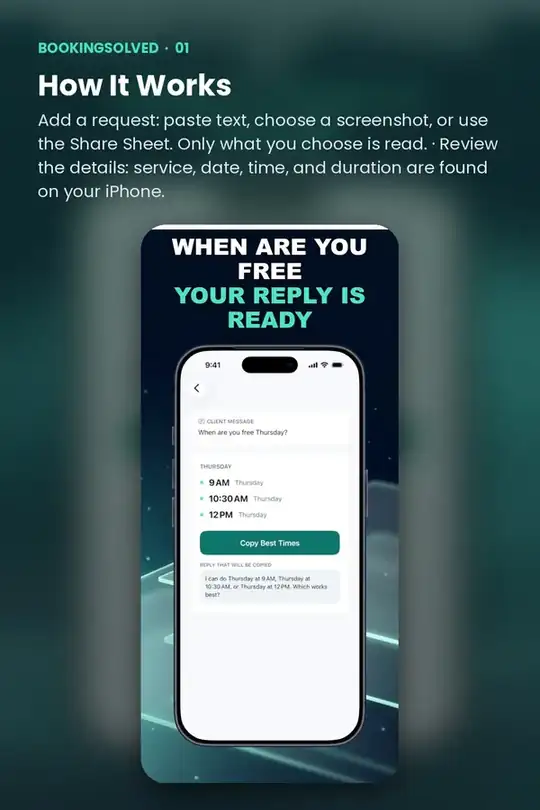
Book Appointments From Requests
"Tuesday at 2 works!" becomes a proposed appointment checked against your Calendar. BookingSolved re-checks right before saving and won't create a duplicate if you tap twice.
Get it free on the App Store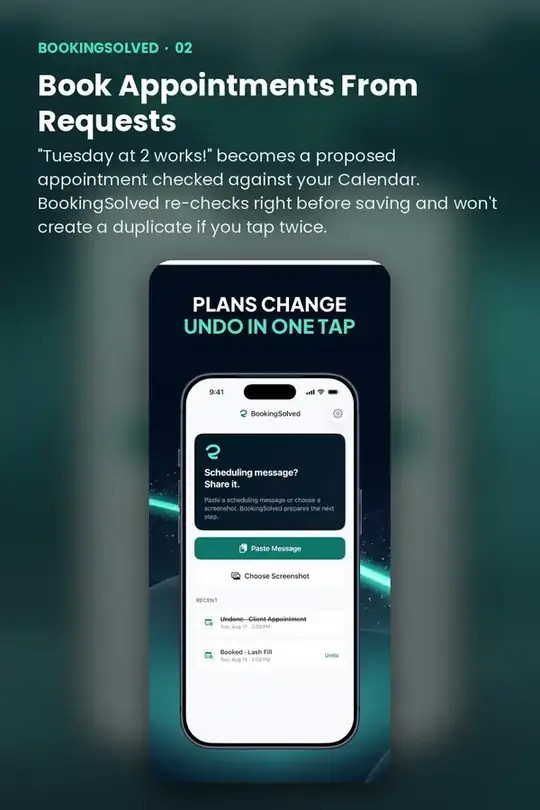
Share Your Open Times
When a client asks for availability, get a few open times within your business hours, around existing appointments, using each service's duration and buffer time. If the requested time is taken, you get nearby alternatives.
Get it free on the App Store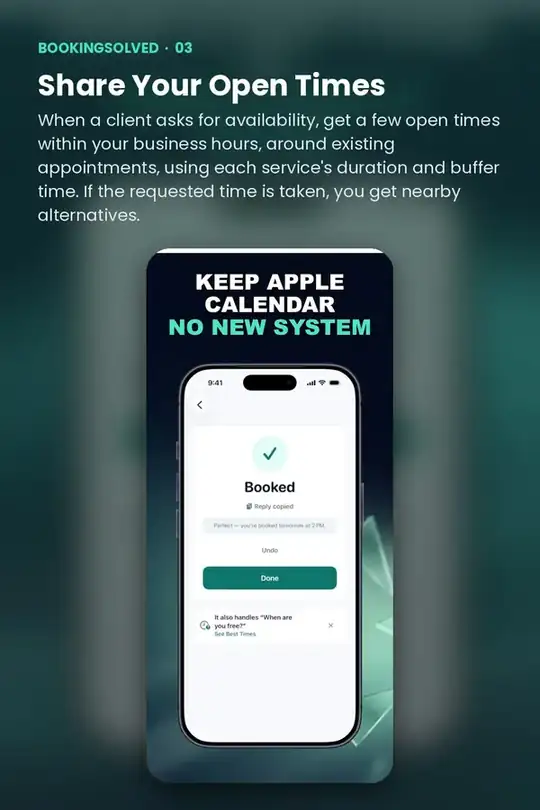
Reschedule And Cancel Safely
"Can we move it an hour later?" finds the existing appointment, shows a before-and-after preview, and moves it only when you approve. Cancellations show the exact event first.
Get it free on the App Store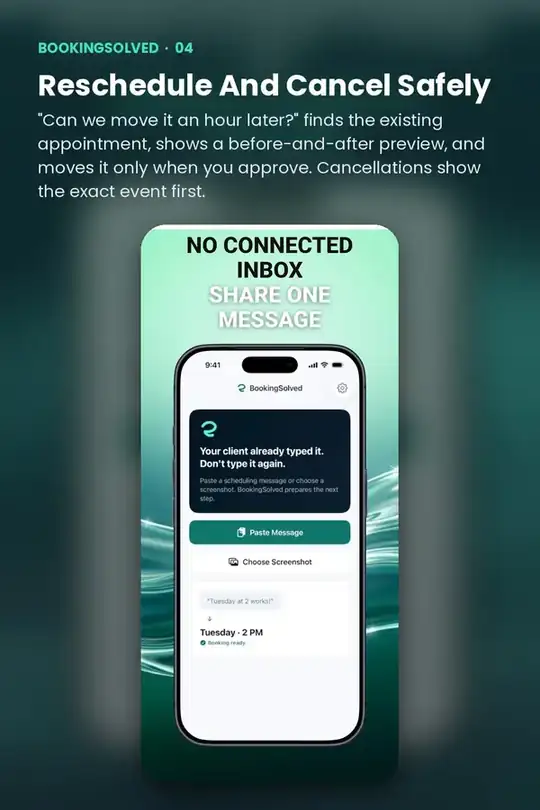
Try BookingSolved on your iPhone
Turn client messages into calendar bookings and replies.
Free on the App StoreQuick answers
Is BookingSolved free?
BookingSolved is free to download on the App Store.
Does BookingSolved work on iPhone and iPad?
Yes. BookingSolved is made for iPhone and iPad.
Do I need an account to use BookingSolved?
No. BookingSolved works without creating an account.
What does BookingSolved help with?
Turn client messages into calendar bookings and replies.