See exactly where the sun will set from your spot.
Six pages of real Asterfold screens and what each one does, so you know exactly what you're getting before you download.
Download free AsterfoldSave the PDF guide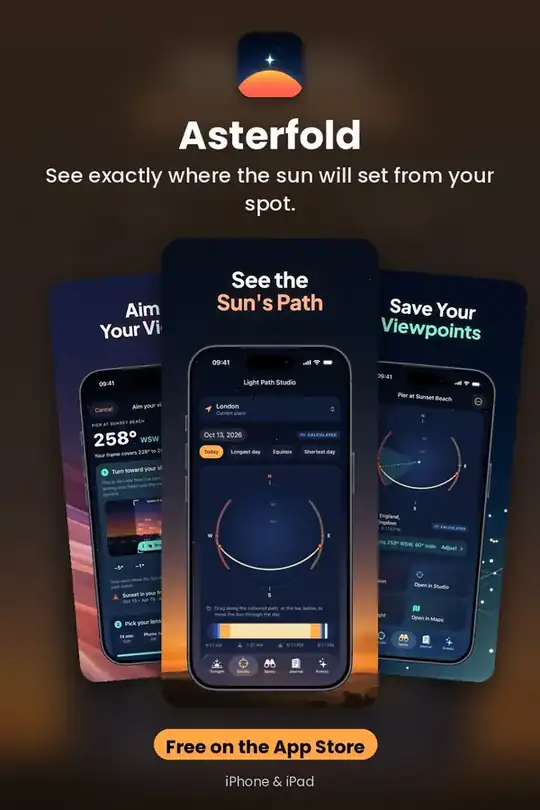
Light Path Studio
A sky dome draws the Sun's real path for any place and date, coloured by golden hour, blue hour and twilight • Scrub through the day for the Sun's altitude, bearing and shadow length • The year's range of sunset and…
Get it free on the App Store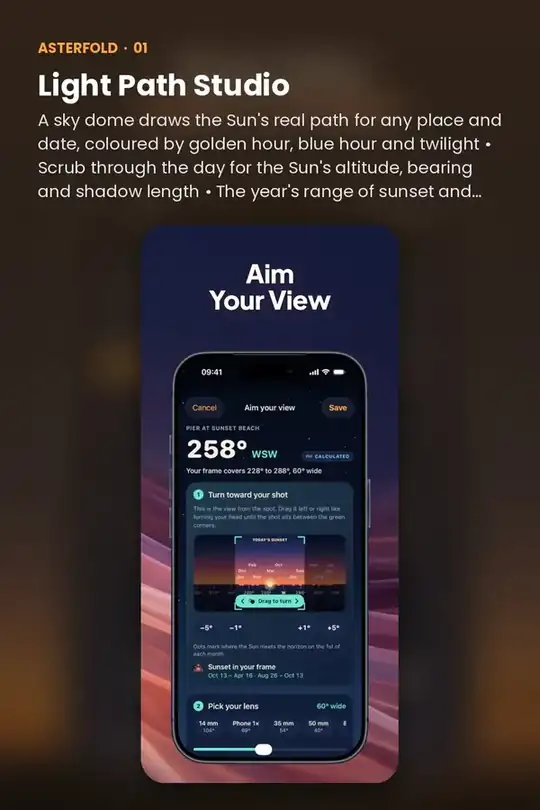
Aim Your View
Save the exact spot you shoot from, then turn toward your shot on a first-person horizon, like turning your head • Pick your lens (14 mm to 200 mm, or your phone's camera) and the frame widens or narrows to match • Jump…
Get it free on the App Store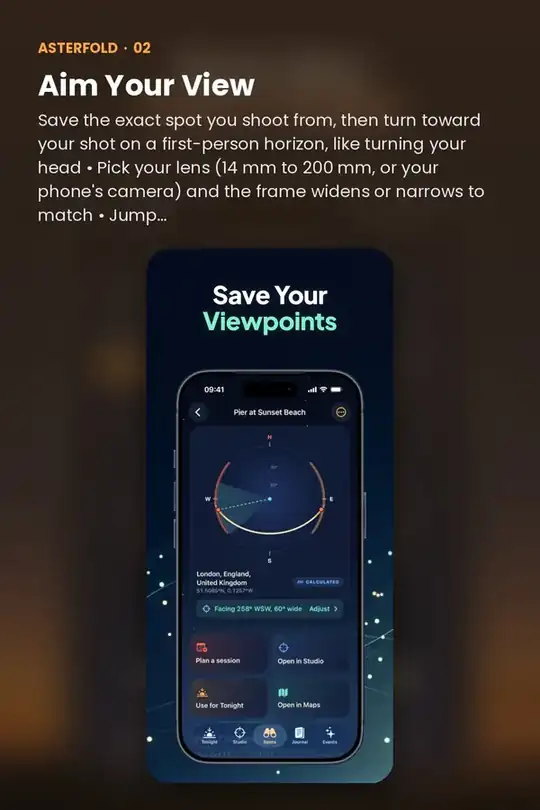
Plan The Session
Choose the light window: golden hour, sunset or blue hour · Add composition notes, gear, a reminder and a short checklist · Open the spot in Maps when it's time to go
Get it free on the App Store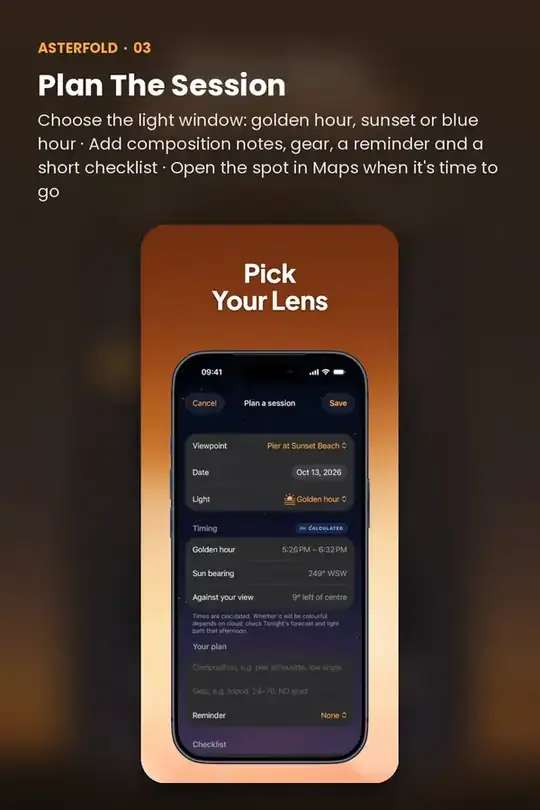
Field Journal
After sunset, rate what you saw in two taps, then add colours, clouds, a note and, if you like, a photo kept privately on your device • Each check-in is compared with the forecast Asterfold saved before the sunset,…
Get it free on the App Store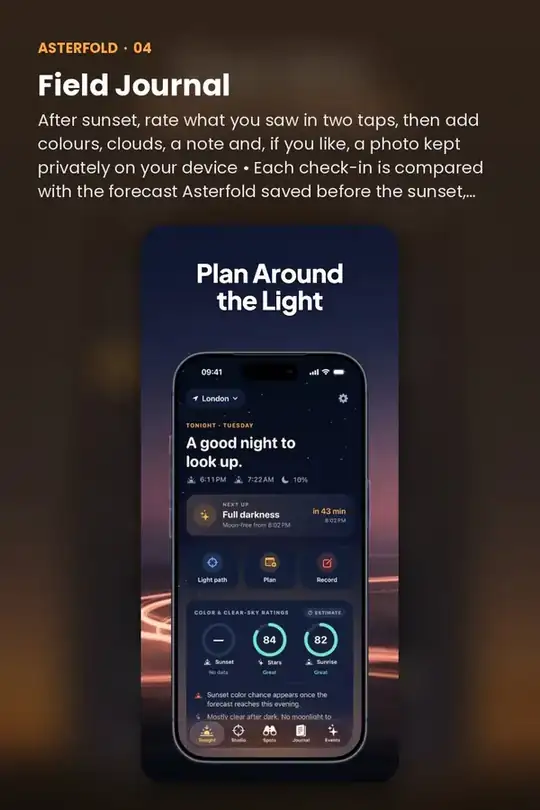
Quick answers
Is Asterfold free?
Asterfold is free to download on the App Store.
Does Asterfold work on iPhone and iPad?
Yes. Asterfold is made for iPhone and iPad.
Do I need an account to use Asterfold?
No. Asterfold works without creating an account.
What does Asterfold help with?
See exactly where the sun will set from your spot.